Question Desk
Anonymous audience questions, grouped and translated.
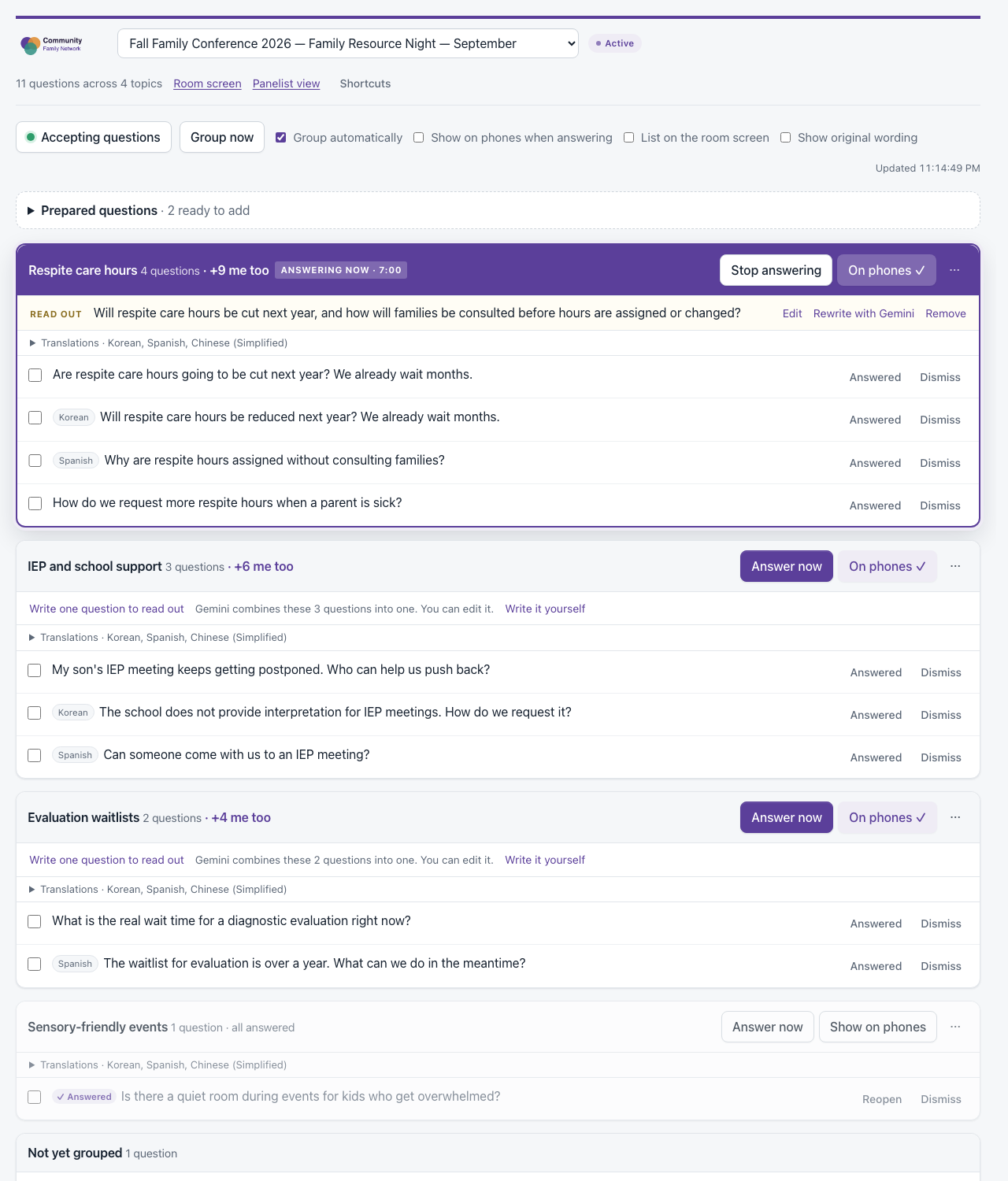
I built this for the Autism Society of Los Angeles, where question time ran on a roving microphone. The same question would get asked three times in two languages, and plenty of people never put their hand up at all. People now ask from their phones, Gemini groups and translates the questions as they arrive, and the facilitator works from topics rather than a list.
At an event
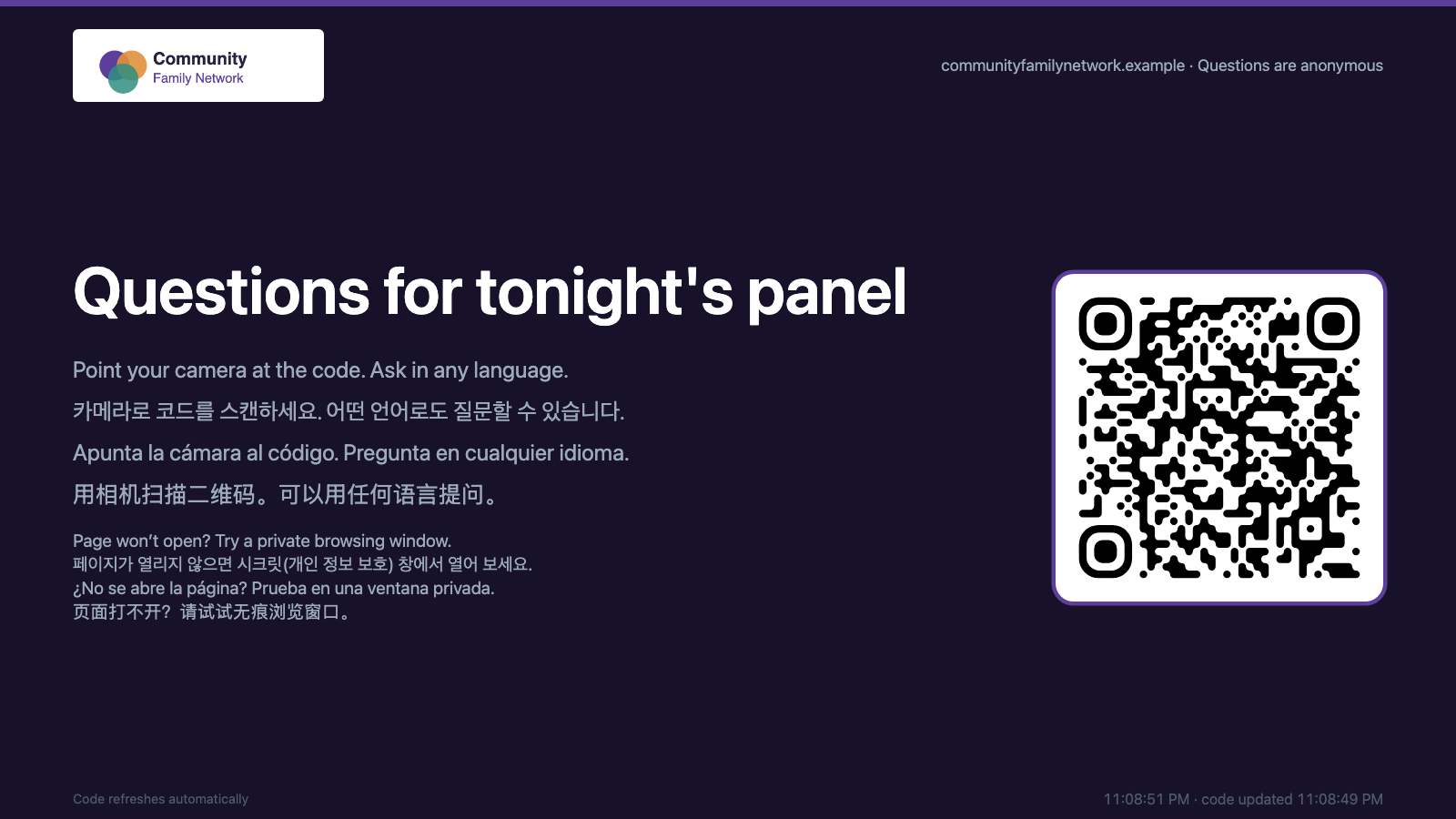
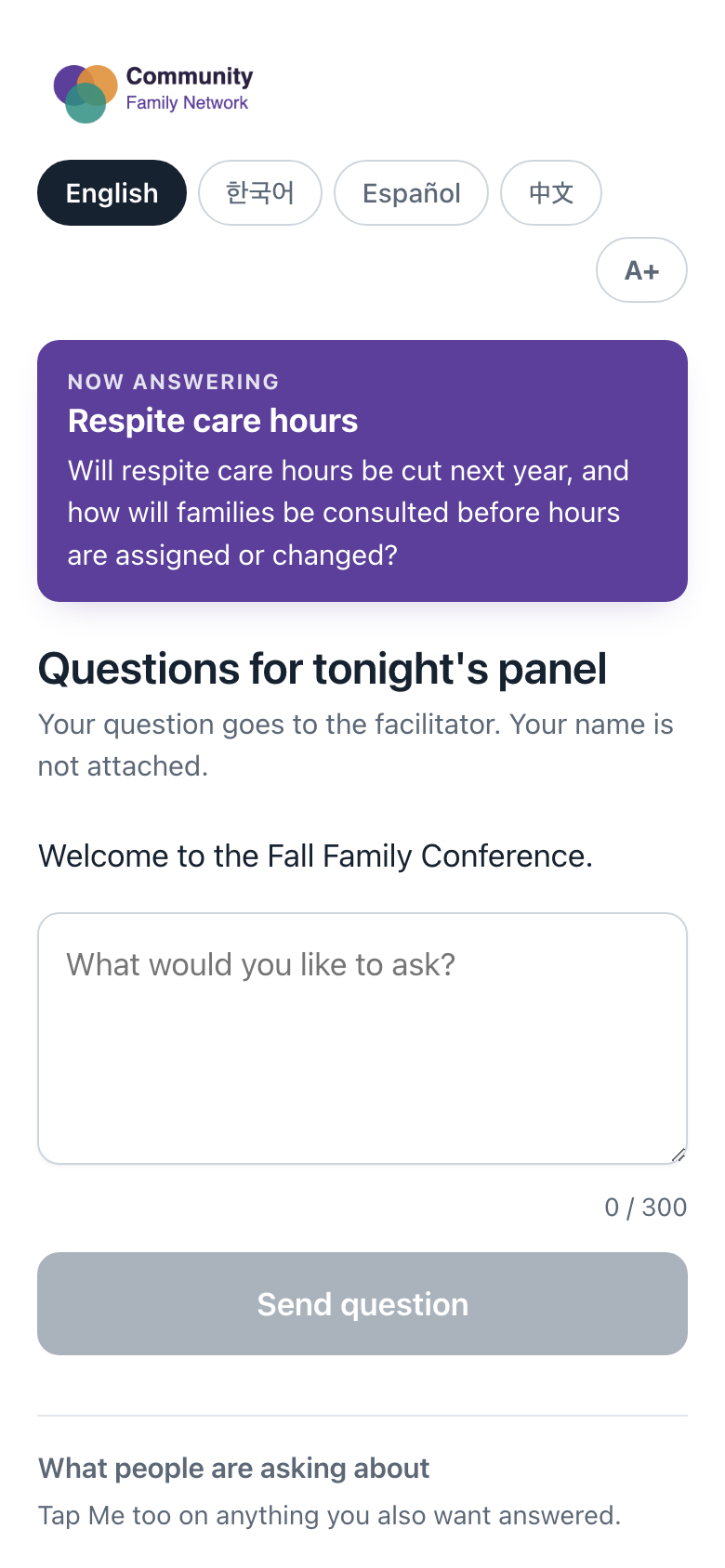
Scan the QR code on the screen in the room and type your question. There is no app to install and no account to create, and your name is not attached to anything you send.
Questions can be asked in any language. The page itself reads in English, Korean, Spanish, Chinese, Vietnamese, Tagalog or Armenian.
Running a session
- QA Facilitators and administrators sign in with your organization's own account.
- Gemini detects the language, translates, and assigns a topic in one call, so the translation costs nothing beyond the grouping.
- The app itself reads in English, Spanish or Korean, set per person. That covers the queue, the admin pages and the emails as well as the questions.
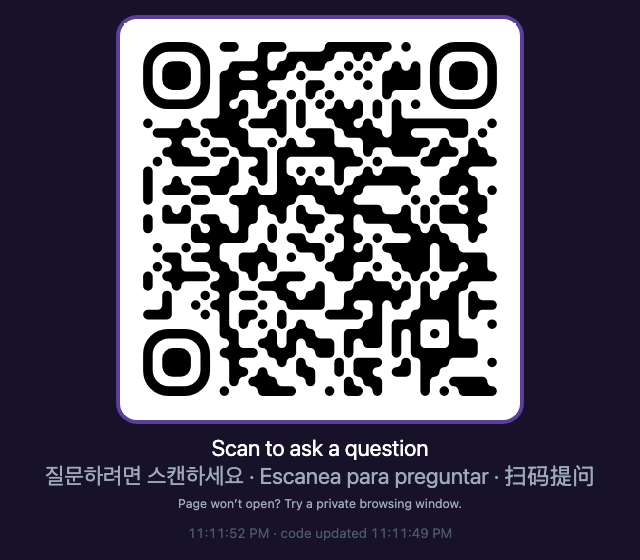
- The live code goes on a slide with the PowerPoint add-in, which saves running a second screen.
Where the questions live
It runs inside your own Workspace account or on your own WordPress server, so there is no third party holding the questions. Participants are anonymous, and nobody sees another person's question until a facilitator puts it on screen.
What it looks like
These are the real pages with example data, from the room, from a phone and from the facilitator's side.
Two ways to run it
Both versions are supported and share the same pages, so a session moves between them without being rebuilt.
Google Workspace
A Google Apps Script web app inside your own Workspace account. Nothing to host and nothing to pay for, though you will need a Gemini API key for the grouping.
WordPress plugin
For organizations that would rather run it on their own site. Staff are WordPress users and the questions live in your database.
Support the Autism Society of Los Angeles
Your gift helps autistic people and their families across Los Angeles find information, support and community.